Release notes
ONEWallet 3.6.36: card shortcuts that fit your screen
Notification card shortcuts that fit your screen, a country and Global switch for suggested cards, and a cleaner start-up.
Guides, product notes, and small tricks from the team building ONEWallet.
From a first commit in January 2019 to version 3.6 — what changed along the way, including the feature we shipped and then deleted five days later.
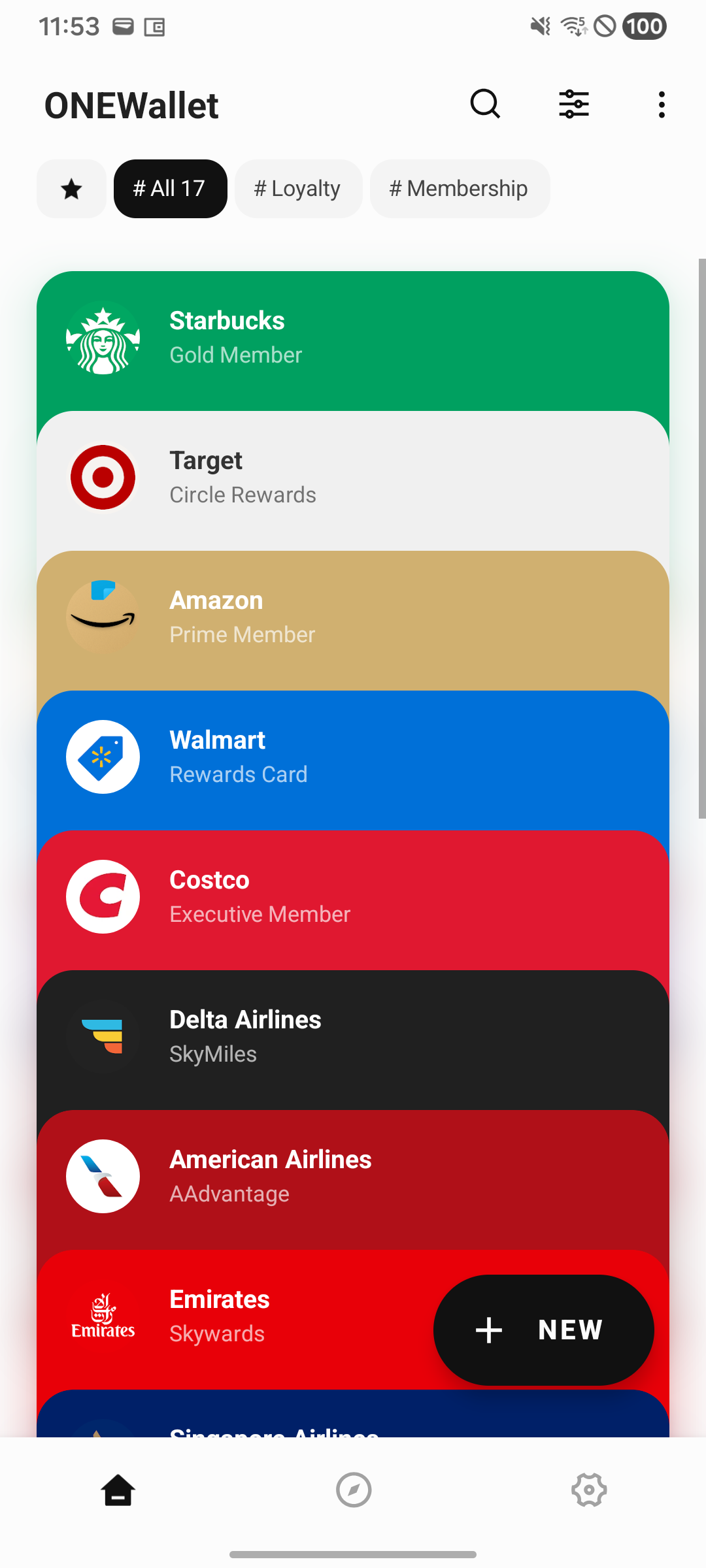
Notification card shortcuts that fit your screen, a country and Global switch for suggested cards, and a cleaner start-up.
A new two-column card type picker and more controlled ad loading in the September update.
One is built around tap-to-pay. The other lets you customize every card — design, color, photos, and all.
Two kinds of reminder for two halves of the problem: one watches the calendar, the other watches the door.
Your cards live on your device — which is exactly why a new phone starts out empty. Turn backup on before you switch.
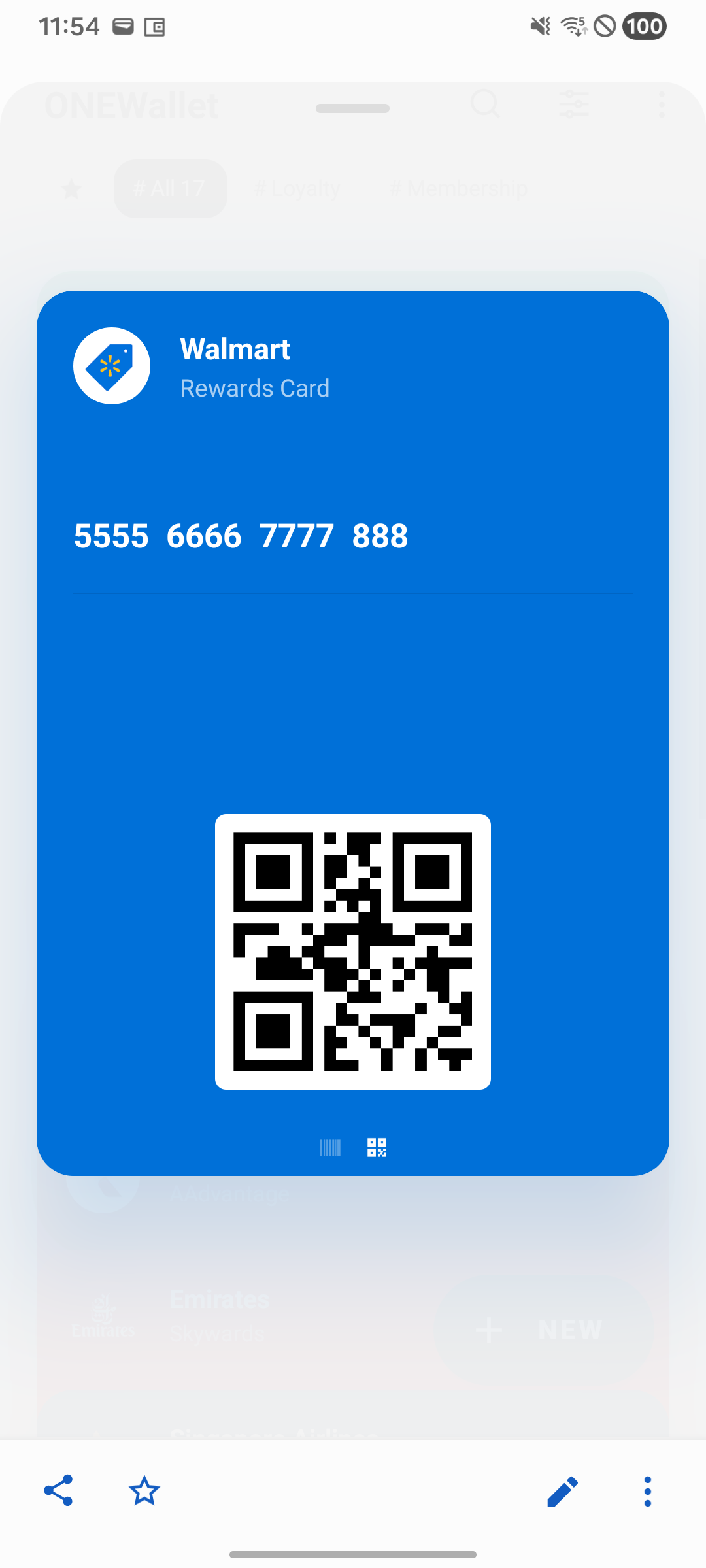
Every counter asks for something slightly different. Here's how to tell which format your store scanner wants.
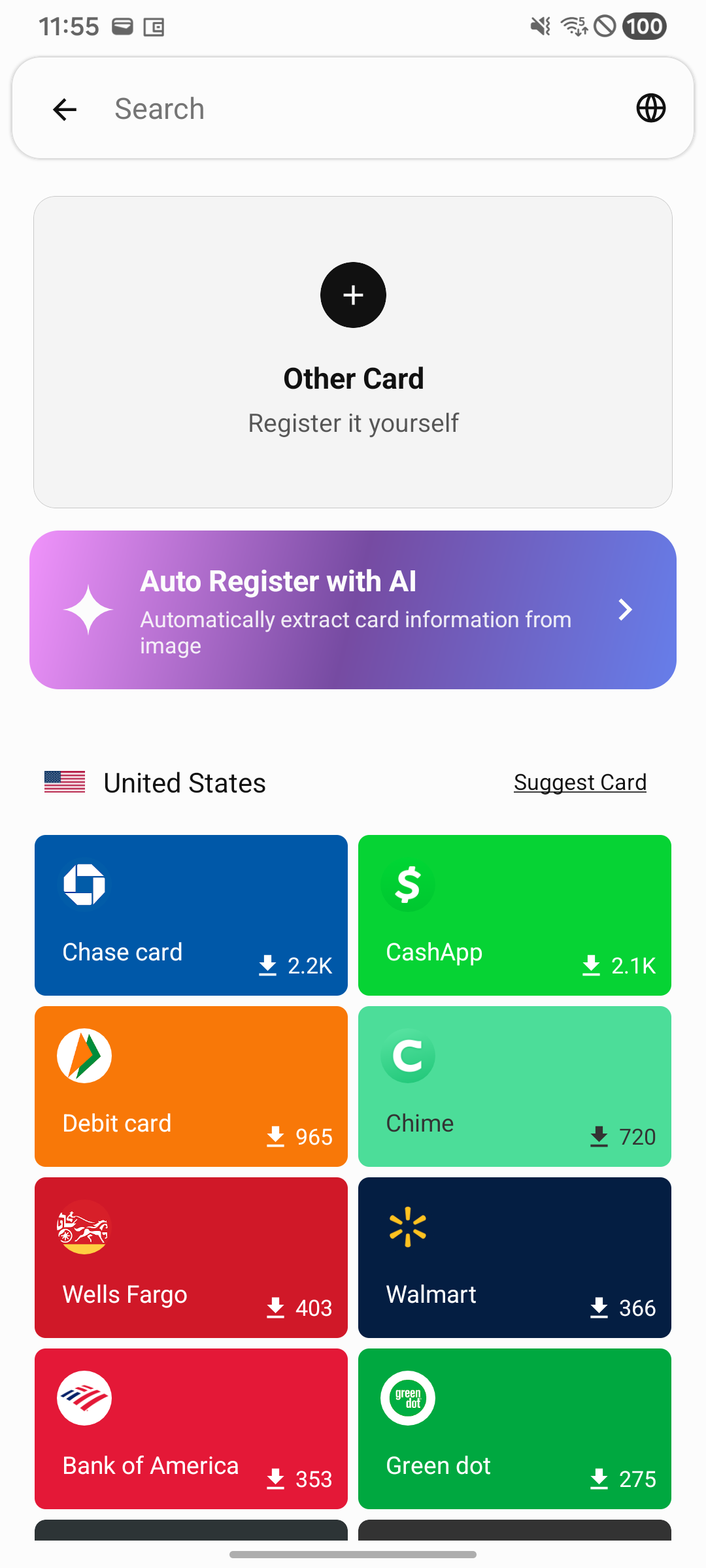
Point the camera at the back of your loyalty card and let AI pull the number, the brand, and the barcode for you.
Switching to Android? Import your existing passes so nothing gets left behind on the old phone.
Put the card you scan most on the home screen and cut two taps out of every visit.
Keep the pass next to your lounge card and airline membership, and pull it up without hunting through email.
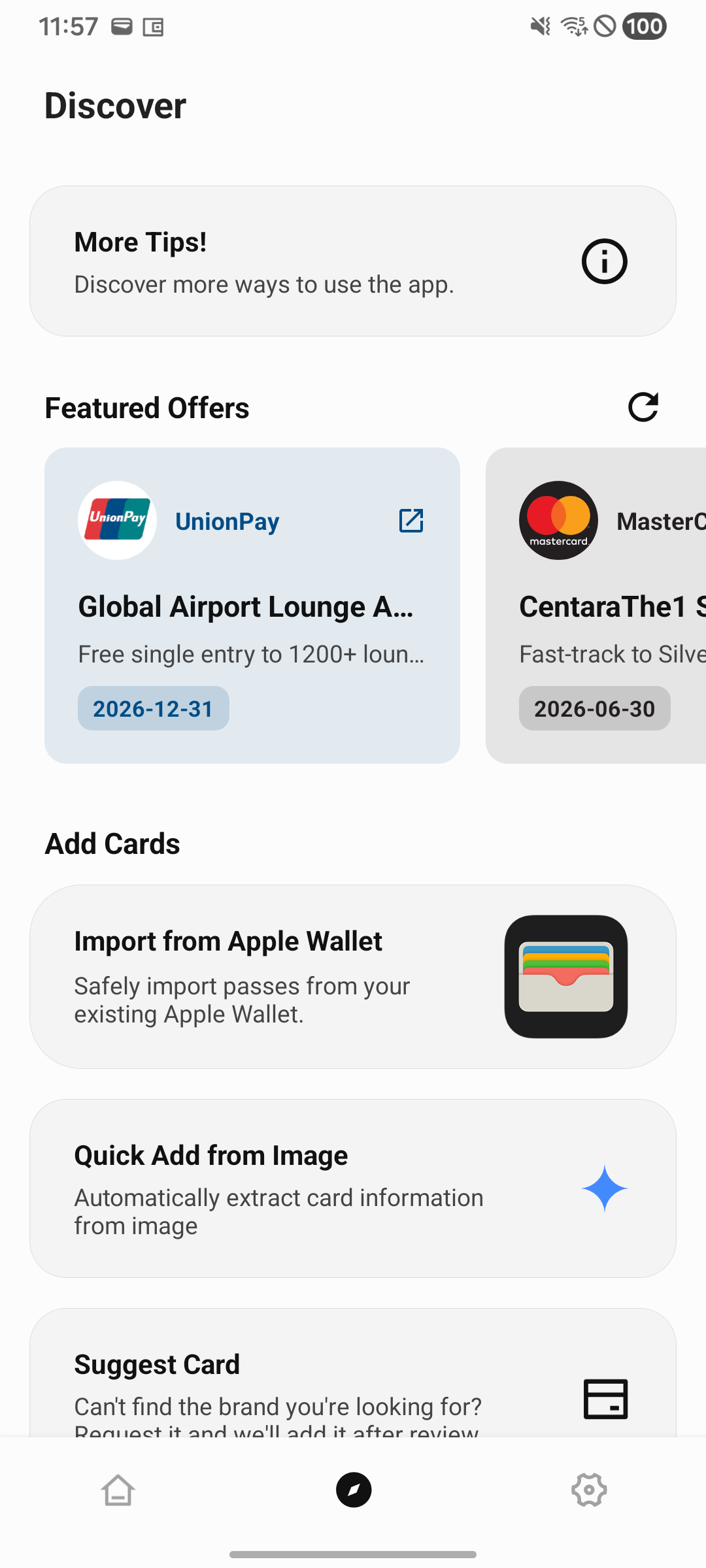
What lands in the Discover tab, what never will, and why none of it touches the cards on your device.
A rewritten scanner, cards on your wrist, and the small fixes you asked for in reviews.
Free to download. Your cards stay on your device.